
Have you ever wondered how a simple visual reminder could keep you motivated, organized, and proud of the growth you’re making as a freelancer?
How Do I Use Vision Boards For Freelance Motivation?
A vision board can be a practical, emotional, and strategic tool that helps you focus on what matters and measure the progress you’re making. You’ll use images, words, and records of wins to create a living snapshot of your goals and growth, and you’ll learn to integrate it into your daily workflow.
Why a vision board works for freelancers
A vision board helps you externalize goals, making them easier to remember, act on, and celebrate. Because freelancing often lacks the built-in structure of an employer’s environment, the board becomes a personal structure—you get to design the signals that guide you.
Psychology behind visualization
When you visualize goals repeatedly, your brain reinforces the neural pathways associated with those goals, which makes planning and action feel more natural. This process reduces decision fatigue and makes your daily steps toward goals clearer and more automatic.
Benefits specific to freelancing
As a freelancer, you juggle marketing, client work, accounting, and personal time, so the board helps you balance priorities and stay motivated during quiet periods. You can use it to remind yourself of past wins, keep long-term income goals in view, and maintain a sense of direction when projects end.

Types of vision boards and which suits you
You’ll choose a format based on how you work and how mobile you need your board to be. Each format has pros and cons for accessibility, personalization, and maintenance.
Physical vision board
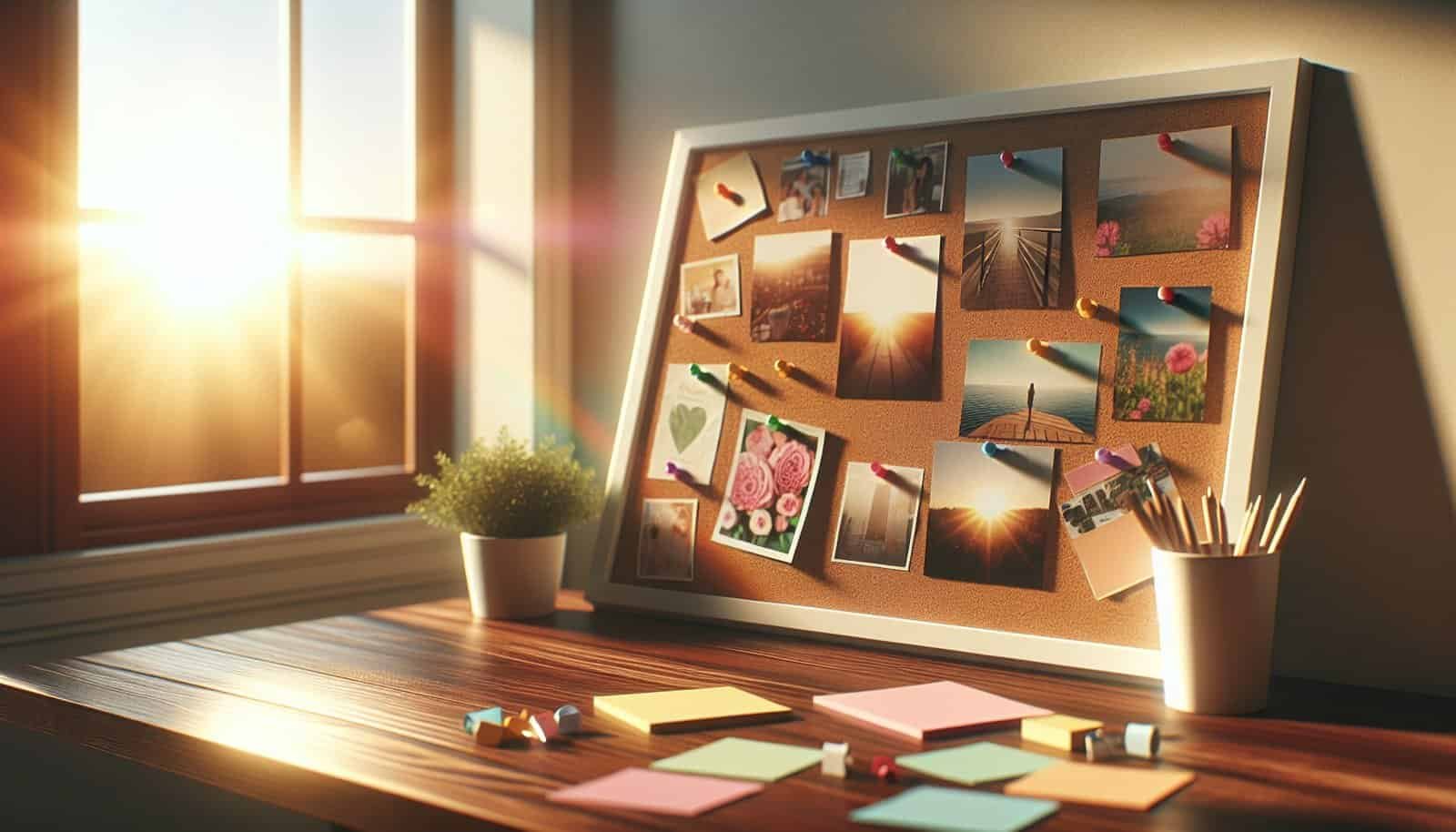
A physical board on a wall or corkboard gives you tactile satisfaction and a constant visual cue in a work area. You’ll enjoy rearranging tangible elements and pinning physical proofs like business cards, receipts, or certificates.
Digital vision board
Digital boards are flexible, portable, and easy to update from anywhere. You can create them with apps or simple documents and synchronize them across devices so you always have a motivational screen.
Hybrid boards
A hybrid board blends physical and digital elements—for example, a wall board with printed key items complemented by a digital folder of screenshots and invoices. You’ll get the daily presence of a physical board and the archival convenience of digital storage.
| Type | Pros | Cons | Best for |
|---|---|---|---|
| Physical | Tactile, always visible, satisfying to arrange | Harder to update on the go, can clutter space | Home office workers who want a permanent anchor |
| Digital | Portable, easy to update, searchable | Less tactile, may get lost among files | People who travel or prefer clean physical spaces |
| Hybrid | Combines presence with portability | Requires discipline to sync both systems | Freelancers who want best of both worlds |
How to set clear goals for your vision board
Clear goals make your vision board actionable instead of just aspirational. You’ll start by splitting goals into timeframes and then translating them into visual and measurable elements.
Short-term vs long-term goals
Short-term goals are weekly to quarterly tasks that keep your business running smoothly, while long-term goals are 6–36 month outcomes like consistent revenue or a signature product. You’ll keep short-term items in plain sight so they become habits, and long-term items on a different section of the board to remind you of direction.
SMART goals for freelancers
SMART goals are Specific, Measurable, Achievable, Relevant, and Time-bound—this makes them easy to turn into action steps on your board. You’ll craft statements that clearly indicate how you’ll know you’ve succeeded and when.
| Example Goal | Specific | Measurable | Achievable | Relevant | Time-bound |
|---|---|---|---|---|---|
| Earn $5,000/month | Income target | Monthly invoices total | Based on current rates + 2 clients | Matches living and savings needs | Within 6 months |
| Launch portfolio site | Build and publish site | Site live + 6 sample projects | Use templates or freelancer collaboration | Helps convert leads | 8 weeks |
| Get 10 testimonials | Collect client feedback | 10 written/testimonial items | Ask clients after project completion | Boosts credibility | 4 months |
Picking the right images, words, and symbols
Selecting elements for your board is about emotional resonance and utility: you want images that inspire and symbols that cue action. You’ll also choose words and short phrases that serve as daily rewrites of your professional identity.
Visual cues for daily motivation
Images of clients, ideal workspaces, income numbers, and awards help reinforce the career you’re building. You’ll place them strategically—near your workspace for immediate impact, or as part of a growth timeline.
Words, affirmations, and mantras
Short affirmations like “Consistent Clients” or “Charge My Worth” can help you frame daily decisions, negotiations, and pricing conversations. You’ll avoid vague platitudes and favor concise phrases that trigger concrete actions.
Use of metrics and milestones
Incorporate numbers and status labels like “5/10 testimonials” or “Q1 revenue: $3,200” to turn the board into a progress tracker rather than only an inspiration piece. You’ll update these metrics regularly so the board reflects reality and keeps your momentum honest.
Step-by-step guide to creating your vision board
You’ll find building a functional vision board straightforward if you follow a consistent sequence: clarify, collect, assemble, place, and maintain. Each step helps you convert big ideas into daily routines.
Materials and tools you’ll need
Gather magazines, prints, scissors, glue, pins, markers, a corkboard, or a large frame for physical boards, and choose an app like Canva, Milanote, or Notion for digital versions. You’ll also prepare folders or labels for metrics, receipts, and testimonials.
Layout options and planning
Decide on zones such as Goals, Progress, Daily Habits, Client Pipeline, and Inspiration so the board remains organized and readable. You’ll sketch a simple layout first to avoid clutter and to designate space for growth tracking.
Assembly process
Start with the long-term goals as anchors, then add short-term tasks and daily habits around them so action steps are visually close to outcomes. You’ll place measurable elements in an accessible area so you can update them without dismantling the design.
Placement and visibility
Place the board where you do most creative or administrative work, ideally at eye level and within your workspace line of sight. You’ll make it a part of your environment so glancing at it becomes a small habit that supports focus.
Digital board tools and setup
If you choose digital, use templates with sections for goals, metrics, and evidence. You’ll set permissions if you collaborate and create a dashboard or shortcut so the board’s a click away.

Making your vision board actionable
A vision board is most effective when it doesn’t only show desires but also embeds steps for achieving them. You’ll turn every visual element into a next action or a set of micro-actions.
Breaking big goals into tasks
For each long-term goal, list 3–5 concrete tasks that will lead you there, and place them in a “Next Actions” section. You’ll use those actions as your daily task inputs and check them off to signal progress.
Linking vision board to daily routines
Attach quick rituals to your board, such as reading one section every morning, updating metrics on Friday, or adding a win sticker each week. You’ll integrate these into your calendar or habit tracker so they become automatic.
Scheduling review sessions
Set weekly micro-reviews and monthly deep reviews to keep the board accurate and motivating. You’ll use short reviews to update numbers and tasks, and long reviews to reassess strategy and refresh visuals.
| Review Type | Frequency | Focus | Time Needed |
|---|---|---|---|
| Micro-review | Weekly | Update metrics, add wins | 15–30 minutes |
| Monthly review | Monthly | Assess tactics vs goals | 45–90 minutes |
| Quarterly review | Quarterly | Rework strategy & milestones | 1–3 hours |
Using the board to remind yourself of growth as a freelancer
Beyond future goals, your board should be a place that celebrates and validates the progress you’ve already made. You’ll intentionally document proof of growth to combat imposter feelings and to build confidence.
Creating a “progress strip” or growth timeline on the board
Add a horizontal or vertical timeline that marks major milestones like first client, income milestones, and skill certifications. You’ll update it with dates and short notes to make your growth visible and undeniable.
Adding proof of wins: testimonials, invoices, screenshots
Pin small copies of positive client messages, invoice totals, and screenshots of published work near the progress strip so each win is documented. You’ll treat those artifacts as fuel, reminding you of what you’ve achieved when motivation dips.
Visualizing skill development
Create a skills column with star ratings or badges (e.g., “Advanced UX,” “SEO Writer Level 2”) that show both current competence and targets for improvement. You’ll change ratings as you take courses or complete relevant projects.
Tracking, measuring, and celebrating milestones
Measuring progress is critical for motivation because it converts vague “getting better” feelings into concrete evidence. You’ll use a combination of metrics, qualitative notes, and celebratory signals to maintain momentum.
Metrics to track and why they matter
Focus on a few high-value metrics like revenue, client count, conversion rate, and utilization hours instead of tracking everything. You’ll pick metrics linked directly to lifestyle outcomes and business sustainability.
| Metric | Why it matters | How to measure | Frequency |
|---|---|---|---|
| Monthly revenue | Direct income indicator | Accounting or invoicing tool | Monthly |
| New clients | Pipeline health | CRM or spreadsheet | Monthly |
| Conversion rate | Effectiveness of pitches | Proposal accepted ÷ proposals sent | Monthly |
| Client satisfaction | Repeat business likelihood | Survey or testimonials | After projects |
| Utilization hours | Workload balance | Time tracking app | Weekly |
Celebrating wins without losing momentum
When you hit milestones, build small rewards into your plan—an afternoon off, a special dinner, or a professional investment like a course. You’ll celebrate in ways that encourage continued growth rather than derail productivity.
Reframing setbacks as learning
Pin a small “lessons learned” section on your board where you note setbacks and the adjustments you made. You’ll treat these notes as progress evidence—they show sophistication in how you adapt and improve.
Integrating journaling and reflection with your vision board
Journaling helps turn the vision board into a reflective tool that deepens your learning and makes progress sustainable. You’ll use short entries to connect your daily efforts to the larger vision.
Prompts for weekly reflection
Use prompts like “This week’s win,” “One thing I learned,” and “Action for next week” to keep reflections focused and productive. You’ll link these notes to specific parts of the board to reinforce the connection between action and outcome.
Monthly review template
Create a short template that you fill in each month covering wins, missed targets, lessons, and next steps. You’ll keep these reviews in a digital folder so you can look back and see trends.
| Section | Prompt |
|---|---|
| Wins | What went well this month? |
| Metrics | Which numbers improved or declined? |
| Lessons | What did you learn from setbacks? |
| Adjustments | What will you change next month? |
| Next steps | Top 3 actions for next month |

Common pitfalls and how to avoid them
You’ll avoid common mistakes so your vision board remains a tool for action rather than a guilt-inducing ornament. Paying attention to maintenance, clarity, and alignment prevents the board from becoming stale.
- Overcrowding: If the board looks messy, you’ll simplify and remove items that don’t directly support your top goals. Keep a “maybe” folder for ideas rather than cramming them on the board.
- Vague goals: Avoid non-specific images or slogans that don’t translate into action; replace them with measurable targets. You’ll convert feelings into tasks.
- Neglect: If you rarely look at the board, you’ll move it or set reminders to make it visible during work sessions. Integrate it into your opening or closing rituals.
- Perfectionism: Don’t postpone building your board until you have the “perfect” resources; start with basic elements and refine over time. Progress matters more than polish.
Case examples: how freelancers use vision boards
Realistic scenarios help you imagine how to adapt the board to your niche and personality. You’ll read three concise examples showing different use cases.
Case 1: The freelance writer
A freelance writer uses a board that combines client logos, publication clippings, income goals, and a testimonials strip. Each week the writer updates word count and pitches sent, which keeps the focus balanced between marketing and deliverables.
Case 2: The web designer
A web designer builds a digital-hybrid board with a gallery of dream projects, client success screenshots, and a pricing ladder. The designer pins new client testimonials as proof of increasing rates and confidence, which helps during negotiations.
Case 3: The photographer
A photographer’s board is highly visual: favorite editorial shots, a list of target magazines, equipment upgrade goals, and a progress timeline of bookings. The photographer adds small Polaroids of client shoots to remind them of steady business and creative growth.
Adapting your vision board as your freelance business evolves
Your board should be flexible and reflect the phases of your business life—startup, steady growth, scaling, or niche focus. You’ll intentionally refresh priorities so the board never feels irrelevant.
When to refresh or rebuild
Refresh when a major metric changes (revenue band, niche pivot) or when you feel demotivated by clutter. You’ll plan a full rebuild annually or after hitting a major milestone.
How to preserve important elements
Archive physical items in a folder and save digital artifacts in dated folders so you can reference past wins. You’ll keep a “hall of fame” section with 3–5 key artifacts that remind you of foundational achievements.
Final checklist and next steps
Use this checklist to get started and to keep the board working for you in the long term. Checking these items off ensures your vision board becomes a living tool rather than a one-time craft project.
| Step | Action |
|---|---|
| 1 | Clarify 3–5 long-term goals |
| 2 | Choose board type (physical/digital/hybrid) |
| 3 | Collect images, testimonials, and metrics |
| 4 | Design layout with zones for goals, metrics, and next actions |
| 5 | Place board in a visible spot and set review schedule |
| 6 | Add a progress strip and archive fold for wins |
| 7 | Do weekly micro-reviews and monthly deep reviews |
| 8 | Celebrate milestones and reframe setbacks |
Next actions to get you started today
Pick one small action now: choose a board type, print or collect three images, or write one SMART goal to pin. You’ll turn that tiny step into momentum—consistent, visible action keeps motivation steady.
You’ve now got a playbook to design a vision board that motivates, documents growth, and connects daily tasks to larger goals. If you want, you can tell me which format you’re leaning toward and I’ll help you draft your first board layout and a week-by-week update plan.