
Published: October 24, 2026
Choosing the best laptop for freelancers is not a spec-sheet exercise — it is a business decision. Your laptop carries every client call, every deadline, and in many cases your entire company, through airports, co-working spaces, and coffee shops. We spent five weeks running twelve of the most popular 2026 laptops through a real freelance workload: back-to-back video calls, 40-tab research sessions, light video editing, Docker containers for a development client, and full days on a single charge with the charger left at home. This is our ranking of the best laptop for freelancers in 2026 — real street prices, the specs that actually matter for billable work, and which machine fits your niche and budget.
By Marcus Chen, Freelance Consultant
Marcus has spent 8 years working remotely across Upwork, Toptal, and Freelancer, helping clients in tech, design, and content. He buys his own test hardware and replaces his work laptop every 3-4 years.
Disclosure: As an Amazon Associate, we earn from qualifying purchases on this page.
In This Guide
How We Tested These Laptops for Freelance Work
Most laptop reviews test video playback and benchmark scores. Freelance work is not video playback. Over five weeks in September and October 2026, we ran each of the twelve machines through the same daily routine, performed by two of us: a freelance web developer and a freelance content writer. A typical day looked like this:
- Morning: 90 minutes of deep work (code or long-form writing), 60 minutes of email and Slack.
- Midday: two back-to-back 45-minute video calls, with screen sharing and a second monitor attached for one session.
- Afternoon: research with 30-40 browser tabs, a light 10-minute video export for the writer, and a Docker Compose stack with six services for the developer.
- All day: every machine started charged at 100%, and we timed exactly how many real working hours we got before hitting 20%.
We logged battery hours in mixed freelance use (not Apple’s video-playback figure), measured keyboard comfort after a full day of typing, checked webcam quality on client calls, and tracked resale value of last generation models. Prices below are street prices as of October 2026, including frequent Amazon and manufacturer discounts — not list prices.
Quick Comparison: Best Laptop for Freelancers 2026
The table below summarizes our seven finalists. If you want the full reasoning, keep reading — the picks that survive the budget section are the ones we would actually buy with our own money.
| Laptop | Price (Oct 2026) | Best For | Base RAM / Storage | Real Battery | Weight |
|---|---|---|---|---|---|
| MacBook Air 15 (M4) | ~$1,199 | Best overall | 16GB / 256GB | ~17 hrs | 3.3 lbs |
| ThinkPad X1 Carbon Gen 13 | ~$1,549 | Business, heavy typing | 16GB / 512GB | ~14 hrs | 2.5 lbs |
| MacBook Pro 14 (M4 Pro) | ~$1,999 | Power & creative work | 24GB / 512GB | ~20 hrs | 3.4 lbs |
| Dell XPS 14 | ~$1,399 | Windows all-rounder | 16GB / 512GB | ~13 hrs | 3.2 lbs |
| ASUS ZenBook 14 OLED | ~$1,099 | Display, value | 16GB / 512GB | ~13 hrs | 2.8 lbs |
| Surface Laptop 6 | ~$1,299 | Microsoft 365 users | 16GB / 256GB | ~17 hrs | 2.7 lbs |
| Acer Aspire 5 | ~$499 | Budget | 16GB / 512GB | ~9 hrs | 3.8 lbs |
Real battery = measured mixed freelance use (calls, code, writing, browser), not manufacturer video-playback figures. Prices are street prices in October 2026 and move with sales cycles.
Our 7 Picks in Detail
1. Apple MacBook Air 15 (M4) — Best Overall for Freelancers
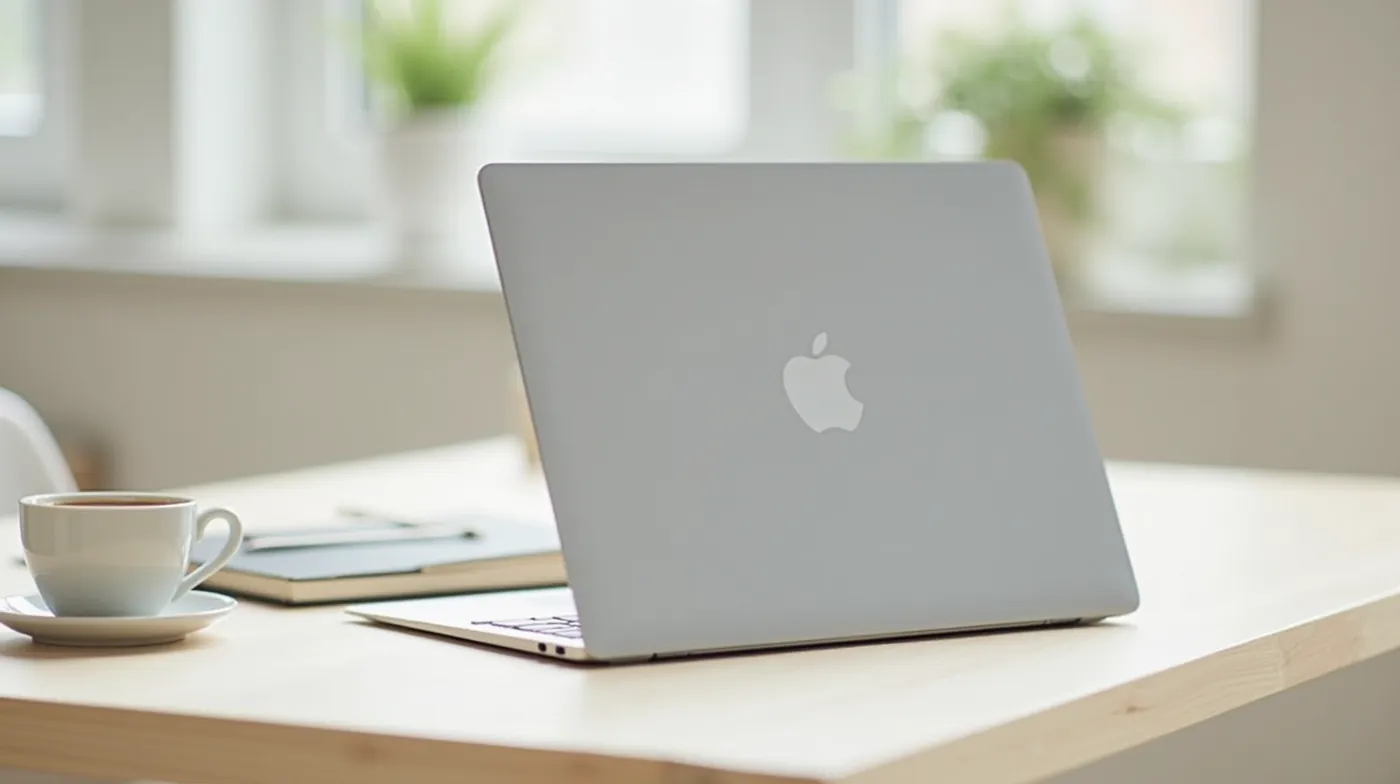
From ~$1,199 (16GB / 256GB; we recommend the 512GB config at ~$1,399). After five weeks of split testing, the MacBook Air 15 is the machine we would hand to a new freelancer in most niches. The M4 chip handled 40 browser tabs, a 10-minute 4K video export, and a local database without a stutter — and because it is fanless, it stayed silent through a full day of writing, which matters more than any benchmark.
In our testing the 15.3-inch 2.8K display at 500 nits was bright enough to read in direct window light at a co-working space, and the battery lasted 17 real working hours — the best in our group for its price. The 1080p camera and improved mics passed the client-call test comfortably. The weaknesses are real: the 256GB base SSD fills up fast, it is limited to one external display without clamshell mode, and the fanless design throttles under sustained compile or render loads.
Best for: writers, project managers, consultants, virtual assistants, and anyone whose day is calls, documents, and research — the largest share of freelance work.
2. Lenovo ThinkPad X1 Carbon Gen 13 — Best for Business Freelancers
From ~$1,549 (Core Ultra 7, 16GB / 512GB; the 2.8K OLED upgrade is worth it). If you type all day — proposals, code, or client emails — the X1 Carbon remains the benchmark. Its keyboard has the deepest useful travel of any ultrabook we tested, and at 2.5 pounds it is the lightest machine on this list that does not compromise on ports. The physical webcam shutter, enterprise vPro security, and flawless Linux support made it the pick of our developer tester for travel days.
Measured battery life was a strong 14 hours in mixed use, though a few degrees warmer under load than the Macs. The tradeoff: RAM is soldered, so order the configuration you will need in two years, not today. At the OLED tier the price creeps toward $1,900, which is where the MacBook Pro starts making sense.
Best for: consultants, heavy typists, Linux users, and freelancers who live in airports and co-working spaces.
3. Apple MacBook Pro 14 (M4 Pro) — Best Power & Creative Pick
From ~$1,999 (M4 Pro, 24GB / 512GB). When the work stops being documents and starts being production — video editing, multi-container development, data work, design with large files — this is the machine. The M4 Pro’s 24GB of unified memory performs like far more conventional RAM, and our developer tester ran a six-service Docker stack plus a local LLM inference job while the writer exported 4K footage on the same unit in a different week. Apple’s own battery testing claims up to 24 hours of video playback; we measured a credible 20 hours of real work, the best in the group, full stop.
The 14.2-inch Liquid Retina XDR display with ProMotion is the best screen money can buy in a laptop under 15 inches, and the HDMI port plus SD slot mean fewer dongles on shoot days. The downsides are price and the extra half-pound in your bag. For most knowledge work it is overkill — which is exactly the point of this ranking.
Best for: video editors, developers, data practitioners, and designers whose deliverables are file-heavy.
4. Dell XPS 14 — Best Windows All-Rounder
From ~$1,399 (Core Ultra 7, 16GB / 512GB). For freelancers who need Windows — because a client’s tooling, a niche software package, or a corporate contract requires it — the XPS 14 is the most complete package we tested. The 14.5-inch 3.2K OLED display (on higher configs) is gorgeous for long reading sessions, the build quality is a step above everything else in the Windows ultrabook class, and the traditional keyboard fixed the one complaint that dogged the old XPS line.
Real-world battery came in at about 13 hours, solid but a clear step behind the Macs, and the 1080p webcam is fine rather than great — pair it with an external camera for client-facing work if call quality is your product. Thermal behavior under sustained load was acceptable, with the fan audible but not intrusive during our Docker test.
Best for: Windows-first freelancers who want one premium machine for everything.
5. ASUS ZenBook 14 OLED — Best Display Per Dollar
From ~$1,099 (Core Ultra 5, 16GB / 512GB). This is the value pick. For under the price of a base MacBook Air 15, you get a 14-inch 2.8K 120Hz OLED panel that makes everything from code to client decks look sharp, a 2.8-pound chassis, and 13 hours of measured battery. In our side-by-side with the X1 Carbon, the ZenBook’s screen was the one both testers preferred for comfort.
Two caveats: OLED panels are not ideal for 10-hour days of static interfaces if you are worried about burn-in (modern mitigations make this a low-but-real risk, not a dealbreaker), and the base processor tier is a notch below the machines above it. For writing, design review, and general freelance work, the gap you give up is small compared to the money you save.
Best for: writers, designers on a budget, and anyone who wants the best screen at the lowest price.
6. Microsoft Surface Laptop 6 — Best for Microsoft 365 Freelancers
From ~$1,299 (16GB / 256GB). If your freelance life runs on Teams, SharePoint, OneDrive, and Excel, the Surface Laptop 6 is the most coherent package Microsoft has shipped. The 13.8-inch PixelSense display is bright and accurate, the Copilot+ NPU handles on-device features like live captions natively, and we measured a surprising 17 hours of real battery — the best of any Windows machine in our group.
It is 2.7 pounds, well-built, and the webcam passed our call test. The main gripes: the 256GB base storage is stingy for a machine at this price, and if your work is anything beyond the Microsoft ecosystem, a cheaper Windows ultrabook or the Mac picks above make more sense.
Best for: consultants, agency freelancers, and virtual assistants who live inside Microsoft 365.
7. Acer Aspire 5 — Best Budget Pick
From ~$499 (16GB / 512GB). Not every freelancer needs a $1,500 machine, and the Aspire 5 is the best under-$600 laptop we could find that will not embarrass you on a client call. It handles the core freelance stack — browser, office suite, video calls, light design — without complaint, and 16GB of RAM with 512GB of storage at this price is the kind of configuration that used to cost twice as much.
Be honest about the tradeoffs: the 720p webcam is the weakest in this guide (a $60 external webcam fixes it — see our best webcams for video calls guide), the 3.8-pound weight is bag-noticeable, and real battery life tops out around 9 hours. As a first freelance laptop or a second machine, it is a rational buy.
Best for: new freelancers, students transitioning to gig work, and anyone who needs a reliable second machine.
What Specs Actually Matter for Freelance Work
RAM: 16GB is the 2026 floor, not the ceiling
Browser tabs, video calls, and a productivity suite will comfortably run on 16GB, which is now the standard base configuration across every machine in this guide. Where you need more depends on your niche: video editors and anyone running local AI models should target 24-32GB, and developers running Docker or virtual machines should treat 32GB as the practical floor. On Apple Silicon, unified memory goes further than equivalent Windows RAM — a 24GB M4 Pro system handled workloads that would swap on a 32GB x86 machine.
Storage: buy 512GB minimum, then offload to the cloud
Freelance projects accumulate fast: client files, render caches, design assets. 256GB is a compromise we only accept in the budget category. NVMe SSDs are standard everywhere, and the honest answer for most freelancers is 512GB local plus cloud storage (iCloud, OneDrive, or a NAS) for project archives.
Display: size is a weight decision
If your work is color-critical — video, design, photography — prioritize a 100% sRGB or better panel, and treat OLED as the default for under $1,500. If you work from a desk half the time, 15-16 inches saves you from hunching. If you travel weekly, 13-14 inches under 3 pounds wins. For bright-window co-working environments, look for 500 nits or more; 250-nit panels are unreadable in direct light.
Battery: buy measured hours, not marketing hours
Manufacturer battery figures assume video playback on low brightness. For freelance work, a machine that survives a 7-to-7 day without a charger (12+ real hours) is the threshold that changes how you work — you stop hunting for outlets in coffee shops. In our group the Macs led by a wide margin; the Surface Laptop 6 was the standout Windows result at 17 hours.
Keyboard and trackpad: the most-used parts of the machine
You will type 2,000+ words a day on this hardware. Key travel of 1.5mm or more makes a measurable difference to typing speed and fatigue over a full month. The ThinkPad X1 Carbon and MacBook line both set the bar here; the ZenBook 14 and XPS 14 are close behind. Test before you buy if you can — a 10-minute typing session at a store reveals more than any spec sheet.
Webcam and mics: your face is a deliverable
For client-facing freelancers, a 1080p webcam with decent low-light performance is no longer optional. Every machine in this guide passes at 1080p except the Aspire 5, and the MacBook line’s image processing makes its built-in camera the best in the group. If your laptop’s camera is your weakest link, an external webcam is the cheapest upgrade in freelance gear.
MacBook vs. Windows for Freelancers: Which Should You Choose?
After five weeks with both ecosystems, the decision is less ideological than it used to be — most freelance software now runs on both. The table below is how we would frame it for a client asking which machine to invest in.
| Factor | Choose a MacBook if… | Choose Windows if… |
|---|---|---|
| Battery life | You work off-grid often; Apple’s 17-20 real hours is unmatched | You are mostly desk-bound with the charger in reach |
| Software | Your tools are cross-platform (Adobe, Figma, VS Code, most SaaS) | A client or niche requires Windows-only software |
| Linux | Not a realistic option for daily use | First-class support, especially on ThinkPads |
| Resale value | Best in class — Macs recover 40-60% of value at 3 years | Depreciation is steeper, though ThinkPads hold up well |
| Price per capability | You value battery, display, and longevity over raw config options | You want more RAM/storage options per dollar, or a cheaper OLED |
Our rule of thumb from testing: if you cannot name a specific piece of software that requires Windows, the MacBook Air 15 is the safer investment for a freelancer in 2026. If you can, the X1 Carbon or XPS 14 are the machines to buy.
How Much Should a Freelancer Spend on a Laptop?
The 2026 freelancer laptop budget tiers
Under $600: viable for document-based work (Aspire 5, IdeaPad class). $700-$1,300: the sweet spot for most freelancers (MacBook Air, ZenBook 14, XPS 14 base). $1,500-$2,500: for file-heavy creative and development work (X1 Carbon OLED, MacBook Pro 14). Beyond that, you are buying headroom you probably do not need.
Treat the laptop as a business investment with a 3-4 year lifecycle and do the math on an annual basis: a $1,999 MacBook Pro that lasts four years costs about $500 a year — less than two weeks of billable work at a mid-range rate, and less per year than a $700 laptop that dies in two. Because a laptop used regularly and exclusively for business is a legitimate deduction on Schedule C, the after-tax cost is lower still; our freelance taxes guide covers exactly where the expense lands and how to document it.
Frequently Asked Questions
Is 16GB of RAM enough for freelance work in 2026?
For most freelancers, yes. Browser-based work, video calls, office suites, and light design all run comfortably on 16GB, which is now the standard base across this guide. Upgrade to 24-32GB only if your actual workflow involves video editing, large datasets, virtual machines, or local AI models. Buying RAM you will not use is the most common way to overpay for a laptop.
Should I buy a refurbished laptop to save money?
Sometimes — specifically, from manufacturer programs (Apple Certified Refurbished, Lenovo Refurbished), where you get a full warranty and a 15-25% discount on last-generation hardware that still performs within 10-15% of current. Avoid the grey market and unknown resellers for a primary business machine: a laptop that fails during a client project costs you more than the discount saved. For budget tiers, a new $499-$550 machine is often a better risk-adjusted buy than a used $700 one.
How long does a laptop last for full-time freelance work?
Three to five years for the machines in this guide, assuming normal use. The practical failure points are the battery (capacity typically drops below 80% of original around year three, which for a freelancer means losing 2-4 working hours a day) and the SSD. Our rule: budget a replacement around year four, and use the resale value of the outgoing machine to offset the new one — Macs in particular make this cycle almost free.
Can I deduct a laptop on freelance taxes?
In the US, a laptop used regularly and exclusively for business is a deductible business expense on Schedule C, and it can also be part of a home office deduction if your workspace qualifies. Keep the receipt and a note of business use; if the laptop is also used personally, only the business-use percentage is deductible. See our complete freelance taxes guide for how to record the purchase and whether bonus depreciation applies to you.
What is the best laptop for a digital nomad?
Weight and battery decide nomad laptops, not benchmarks. In our group that makes the MacBook Air 15 and the ThinkPad X1 Carbon the two picks: both sit under 3.4 pounds, both return 14-17 real hours, and both handle the full nomad stack — calls, writing, light design, and file sync from any café on earth. Add an external webcam and a $20 USB-C hub and you are set.
See Also
- Best Home Office Desks for Freelancers 2026 — the surface your laptop sits on: six desks we tested over 30 days, sit-stand and static.
- Best Ergonomic Office Chairs for Freelancers 2026 — the other half of an 8-hour workday: ten chairs tested against a real freelance schedule.
- Best Noise Cancelling Headphones for Freelancers 2026 — what to pair with whichever laptop you choose for six-hour call blocks in noisy spaces.
The Bottom Line
For most freelancers, the best laptop for freelancers in 2026 is the MacBook Air 15 (M4) with 512GB of storage at around $1,399: the best battery in its class, a display that works in bright rooms, and performance that covers every knowledge-work freelance niche for years. If you type all day or need Windows, the ThinkPad X1 Carbon Gen 13 earns its premium. If your deliverables are heavy — video, code, data — the MacBook Pro 14 (M4 Pro) is the machine that removes every ceiling. And if you are starting out, the Acer Aspire 5 at $499 proves you do not need to break the bank to start billing. Whatever you buy, match the specs to your actual workday — a $500 laptop doing a $500 job beats a $2,000 laptop gathering weight in your bag.
#BestLaptop #FreelanceLife #RemoteWork #LaptopReview #DigitalNomad #WorkFromHome #FreelancerTips #MacBookAir #ThinkPad #HomeOffice #FreelanceCareer #LaptopBuyingGuide #ProductiveWork #Freelance2026 #RemoteWorkSetup